Philips launched its new range of GamePix smart projectors earlier in 2025, with the GamePix 900 closely followed by the GamePix 800 – a 120Hz 1080p smart projector that offers 150″ of gaming enjoyment. While the GamePix 800 doesn’t feature the same 4K output – or 240Hz refresh rate – as the more premium GamePix 900, it does feature a built-in Google TV streaming device, making it a more all-round entertainment unit.
Alongside this, the GamePix 800 also offers a bunch of gaming presets, a 98% Rec.709 color gamut, and an advertised 8ms response time – positioning the GamePix 800 as a premium smart projector. Like always, we’ll be putting the GamePix 800 through its paces to not only see how it stacks up for both gaming and general entertainment consumption, but also to see whether it’s worth the price.

Specifications
- Brightness: Up to 2500 lumens
- Projector Image: 150″
- Refresh rate: 120Hz
- Resolution: 1920 x 1080 FHD
Specifications
Below is the full list of specifications for the Gamepix 800 Smart Projector:
| Category | Specification |
|---|---|
| Display technology | DLP |
| Light source | LED |
| Brightness | Up to 2500 lumens* |
| Contrast ratio | 1500:1 |
| Resolution | 1920 × 1080 |
| Throw ratio | 1.49:1 |
| Aspect ratio | 16:9 |
| Focus adjustment | Manual |
| Keystone correction | Manual |
| LED lifetime | Up to 30,000 hours |
| Projection image size | Up to 150″ (380 cm) |
| Color gamut | 98% Rec.709 |
| Refresh rate | 120Hz @ 1080p |
| Input lag | 8ms @ 120Hz |
| Digital zoom | Yes |
| HDR support | HDR10 |
| Internal speaker | 5W with sound chamber |
| HDMI | 2× HDMI |
| USB | 1× USB |
| RS232 | Yes |
| Weight | 2.6 kg |
| Dimensions (W × D × H) | 302 × 237 × 119 mm |
Price & Availability
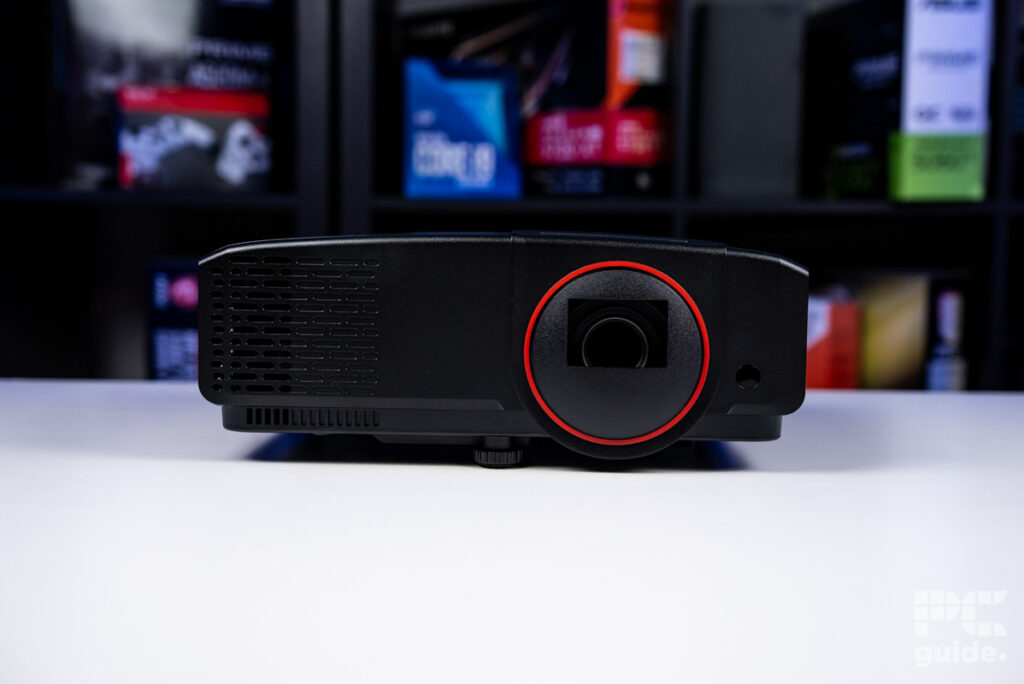
The Philips GamePix 800 is currently available at Amazon with a retail price of $649, incredibly competitive when comparing it against similarly specced alternatives.
Interestingly, the more advanced Philips GamePix 900 is also available on Amazon for around $629, undercutting the GamePix 800 despite offering higher-end specifications. This unusual pricing makes the buying decision less straightforward, and prospective buyers should weigh the value of Google TV and the GamePix 800’s all-in-one convenience against the raw performance advantages of the GamePix 900. As always, availability and pricing may fluctuate, so it’s worth keeping an eye out for deals before committing.
Deals season is here folks, and with it comes a plethora of eye-catching price cuts on some of the industry’s most popular tech. Below are some of the best deals you can find right now.
*Prices and savings subject to change. Click through to get the current prices.
Setup & Unboxing
The GamePix 800 comes in a relatively simple box, with the projector wedged into two pieces of firmer cardboard for protection during transit. No styrofoam is used here; however, a protective styrofoam sheet is found around the proecjtor itself – presumably there for scratch protection.
Unboxing and setup are, again, relatively straightforward. Once unboxed, simply plug the projector in, pop some batteries in the remote, and press the power button on either the remote or the projector. On first load, the projector takes around 10 seconds to load up, prompting you with the initial setup process. This can be done via the remote/projector or can be done via the app – with the latter option being the quicker of the two. The setup runs you through a basic profile, connects you to your local WiFi, and sets you up with any relevant streaming apps used by the Google TV streaming unit.
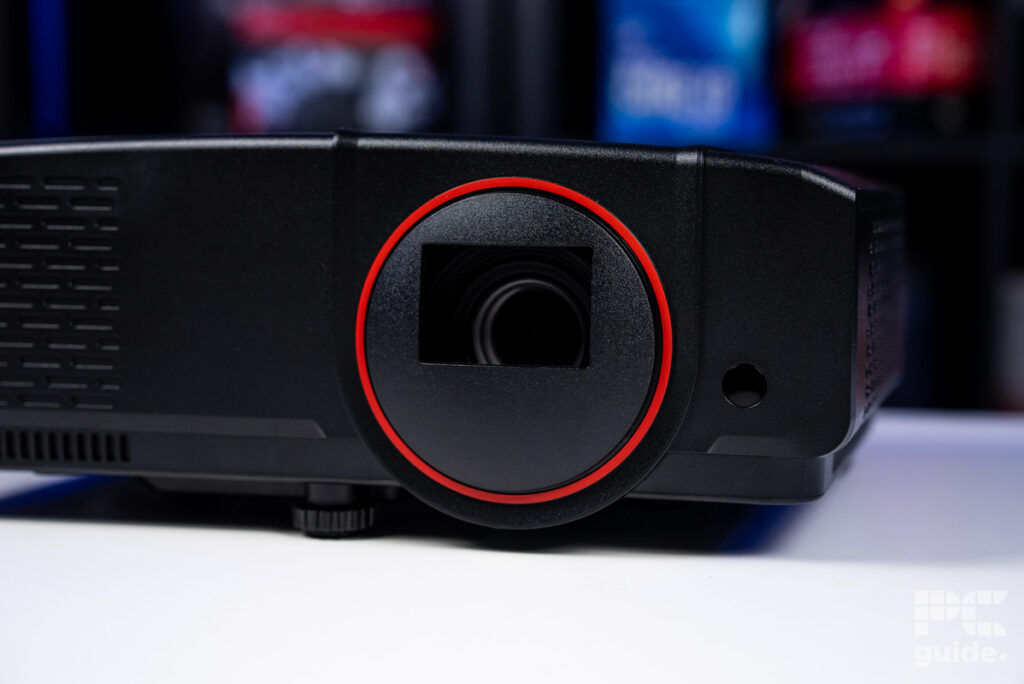
Once that’s complete, the projector will ask you to complete some picture setup options, including brightness and focus settings. This doesn’t take too long to complete and is your last step before being booted into the Google TV application. At this stage, you can choose whether or not you’d like to use your Projector as an entertainment unit (via Google TV) or as a gaming projector – where you can connect any relevant HDMI-based device to it.
The projector offers two HDMI ports at the rear, and connecting a console, PC, laptop, or handheld is like any other display. Simply connect your device to the projector via HDMI and then use the controller to switch between the various output options.
Performance
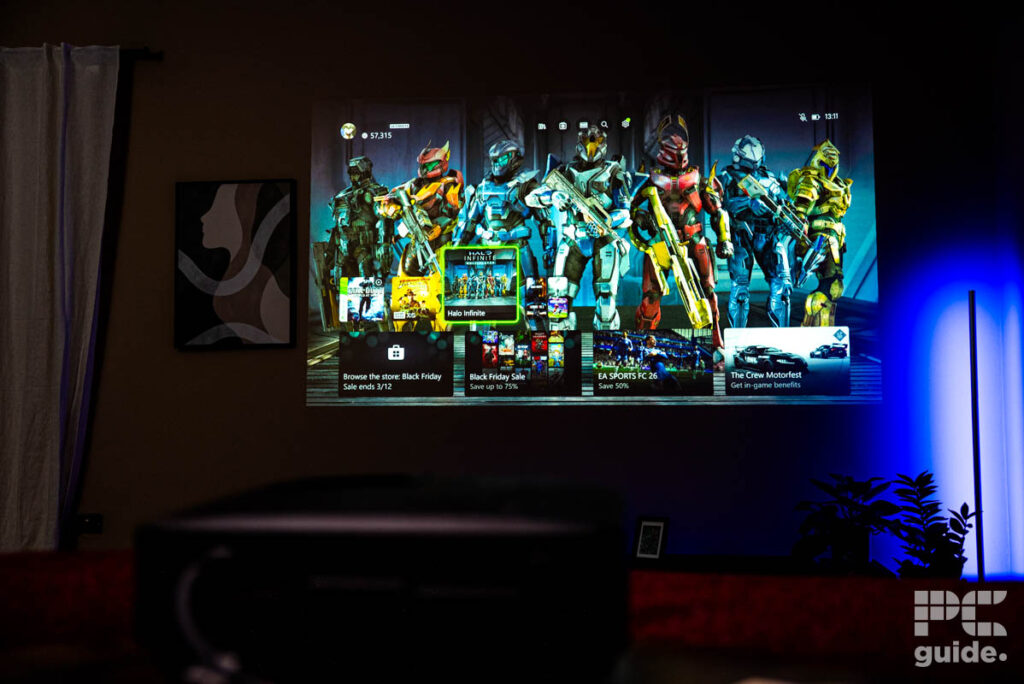
Once the GamePix 800 was set up, I started by connecting it to the PlayStation 5, a process as simple as plugging in an HDMI cable. I launched Spider-Man: Miles Morales, and as I swung through the streets of New York, it was immediately clear that the GamePix 800 is designed with gaming in mind. The visual clarity of fast-moving images was impressive, largely thanks to the 120Hz refresh rate. Fast-moving objects, which often appear blurred on standard 60Hz displays, remained sharp and crisp here, with the projector maintaining excellent clarity even when factoring in its 8ms input lag. On top of that, the GamePix 800 can project images up to a massive 150″, delivering a truly immersive big-screen experience that makes the action feel larger-than-life.
The projector also offers a wide range of color settings, allowing you to fine-tune the picture to your exact preferences without needing a custom profile. For those who want to save their own adjustments, there are two available profiles for storing bespoke display settings, ensuring both vibrant colors and a personalized gaming experience at any screen size.
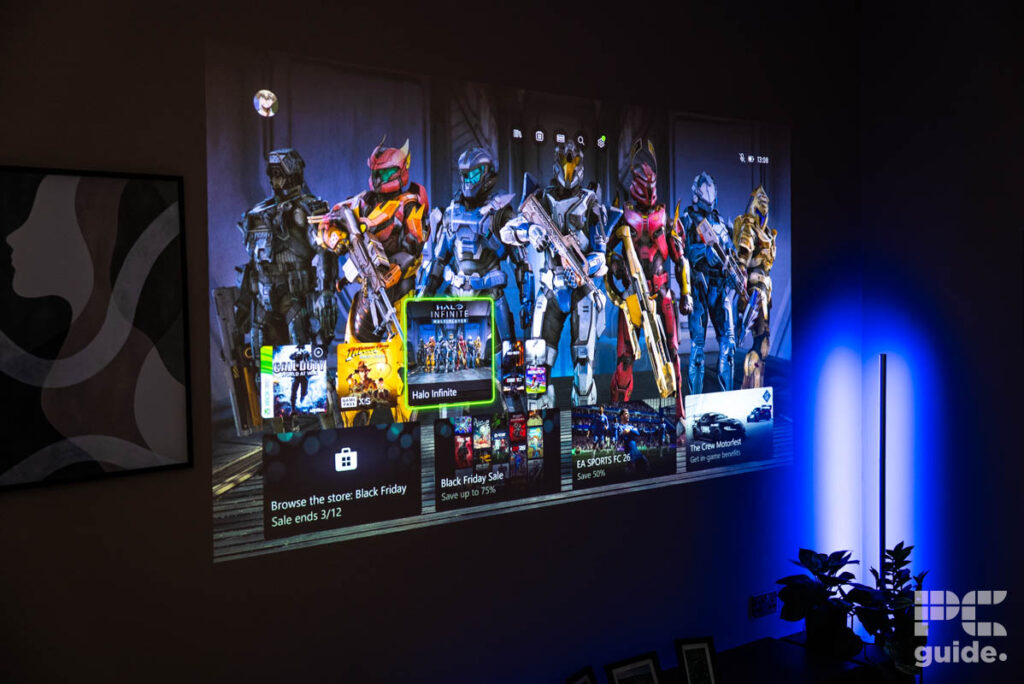
Generally, the interface felt fairly sharp when used in HDMI mode. The menus were quick, and typing in of passwords was speedy. Sadly, that wasn’t always the case. Using the GamePix in Google TV mode saw the operation time of the above tasks fall quite a bit. In fact, a lot of the functions (scrolling menus, using the keyboard for searching, etc) felt quite sluggish. Nothing overly crazy, but enough to raise an eyebrow when I was trying to search for things quickly.
This is arguably the projector’s biggest shortcoming, though in the grand scheme of things it’s a relatively minor one. The built-in speakers are serviceable but unsurprisingly a little tinny, which is to be expected from a projector of this size. It’s also worth noting that the GamePix 800 uses a long-throw design, requiring roughly 10–12 feet of distance from the wall to achieve a large, clear image. As a result, it’s not ideally suited to smaller living spaces and is better matched to larger, unobstructed rooms.
All in all, the GamePix 800 impressed us quite a lot. In fact, you’d have to say it has a lot more going for it when compared to the GamePix 900 – which doesn’t offer the same Google TV features.
Specifications
- Brightness: Up to 2500 lumens
- Projector Image: 150″
- Refresh rate: 120Hz
- Resolution: 1920 x 1080 FHD
Verdict
The Philips GamePix 800 ultimately delivers on what it sets out to be: a gaming-first smart projector that balances strong visual performance with the convenience of built-in streaming. Its 120Hz refresh rate and low input lag make a noticeable difference in fast-paced games, producing a smooth, clear image that’s well suited to console and PC gaming alike. Color reproduction is solid out of the box, setup is painless, and the inclusion of Google TV gives it genuine versatility as an all-in-one entertainment device rather than a single-purpose projector. While the smart interface can feel a little sluggish at times and the built-in speakers won’t replace a dedicated audio setup, neither issue seriously undermines the overall experience.
That said, the GamePix 800 isn’t for everyone. Its long-throw design demands space, making it a better fit for larger rooms or dedicated gaming areas rather than compact living spaces. It’s also priced firmly in premium territory, so buyers need to value its gaming performance and smart features to justify the cost. For gamers who want a big-screen experience with smooth 120Hz gameplay and don’t want to rely on external streaming hardware, the GamePix 800 is an appealing option and, in many ways, a more well-rounded choice than the higher-end GamePix 900. If space and budget allow, it’s a projector that’s easy to recommend for those chasing immersive gaming and casual home entertainment in one package.